Everything a long day needs, one tap away.
Kukumuma logs the feeds, naps and diapers, helps you settle a crying baby, and keeps both parents on the same page. Most things take one or two taps, and every detail is optional.
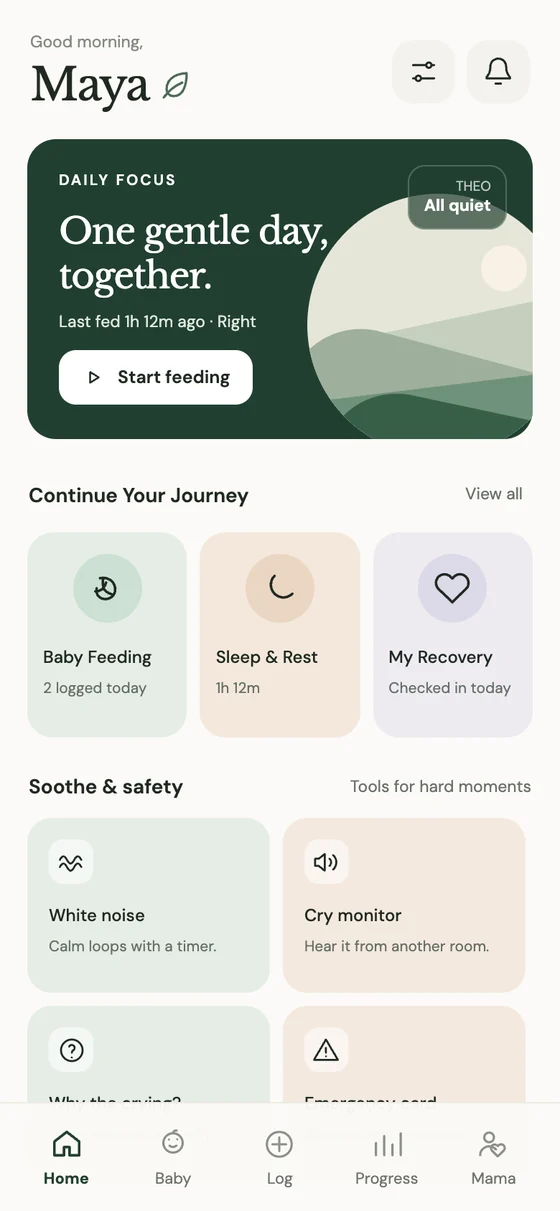
Calm, from the first tap.
Most things take one or two taps, and details are always optional. Built for one hand and very little sleep.
What’s next, at a glance.
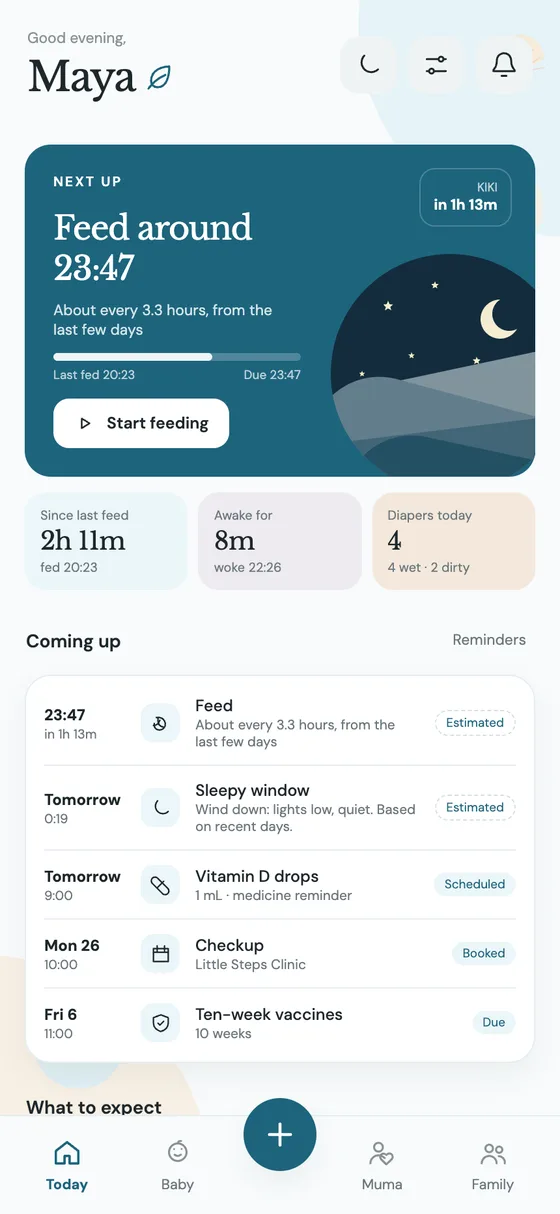
Open the app and see what comes next: when the next feed is likely due, a single button to start it, today’s rhythm on one strip, and the checkups and vaccines coming up.
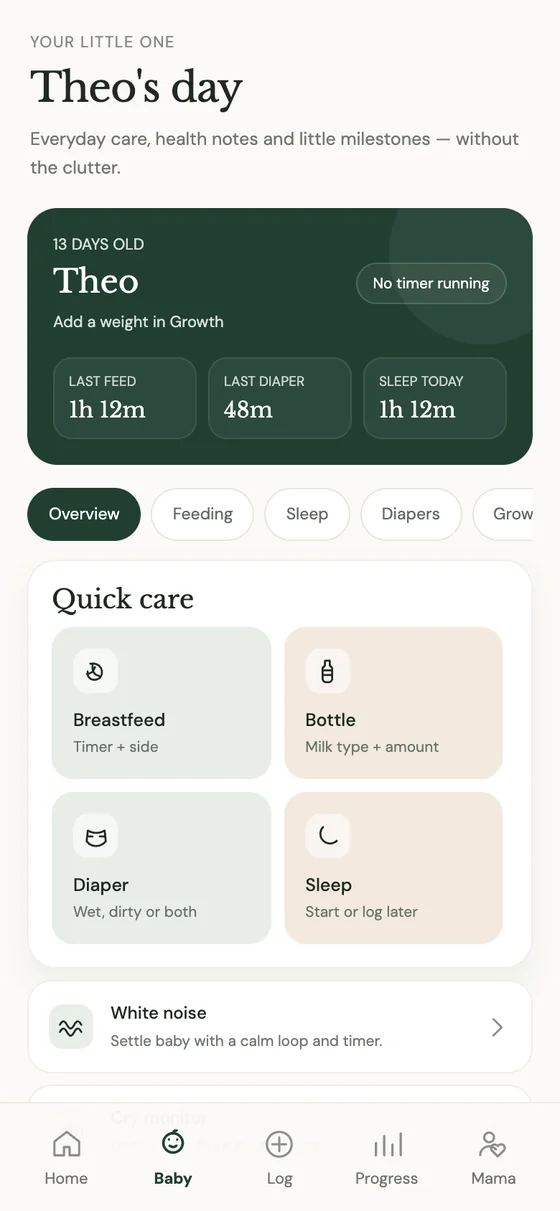
Your little one’s day.
Last feed, last diaper, sleep so far — at a glance. Everyday care, health notes and little milestones, without the clutter.
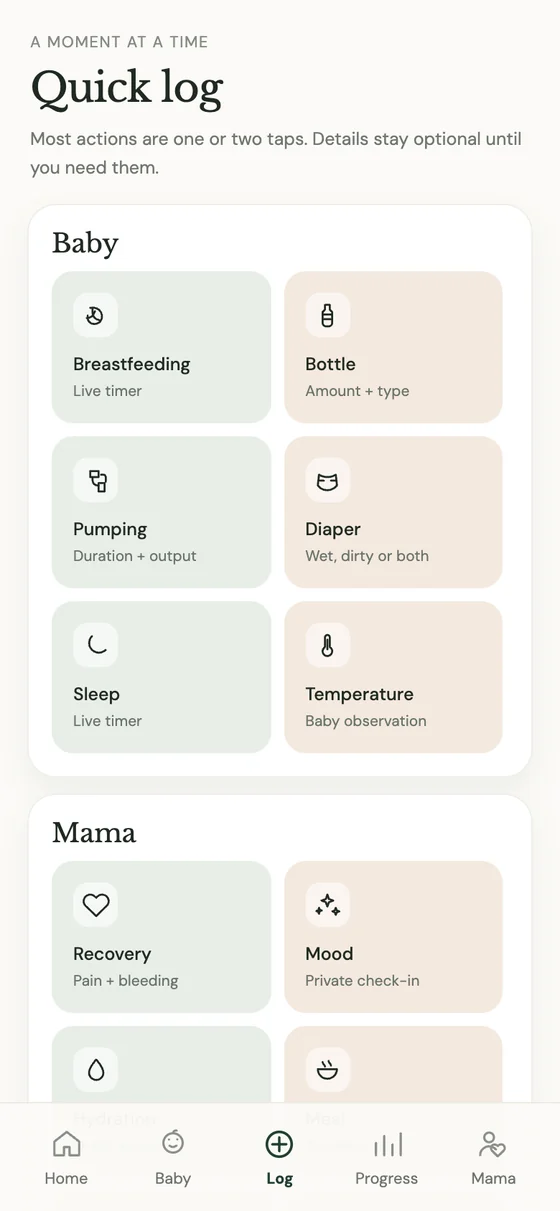
A moment at a time.
Breastfeeding with a live timer, bottles, pumping, diapers, sleep, temperature — and your own recovery, too. Most actions are one or two taps.
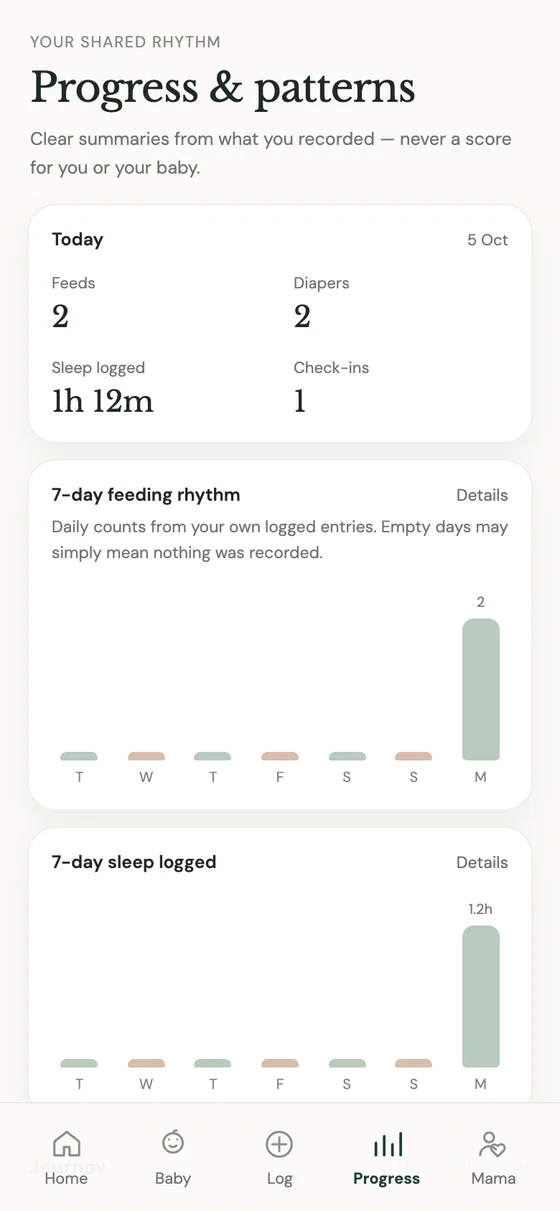
Patterns, never a score.
Week and month trends of what you recorded, with a picture you can share. Empty days simply mean nothing was logged — nothing more.
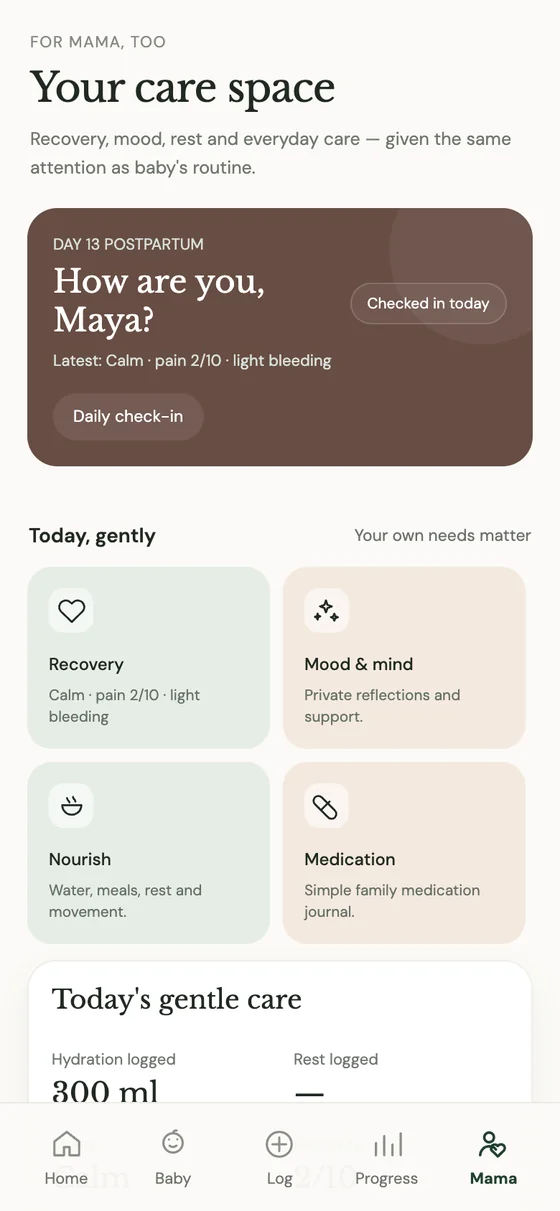
How are you, Muma?
A daily check-in for recovery, mood, hydration and rest — given the same attention as baby’s routine.
The whole family, in sync.
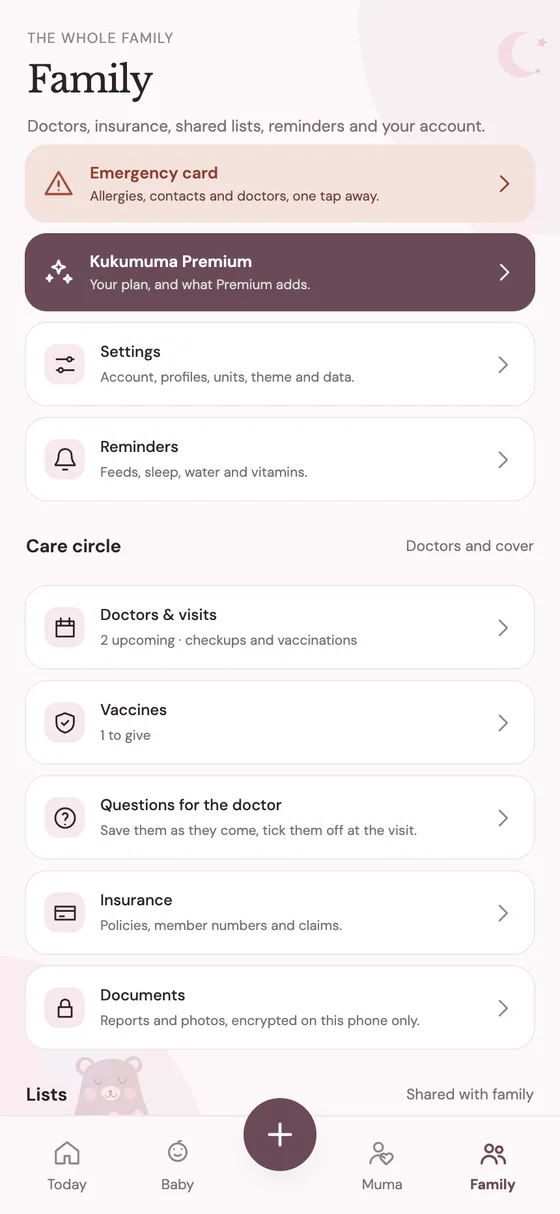
Partner and caregivers see the same day on their own phones, within a moment. Doctors, vaccines, questions for the visit, shared lists and who is covering which night — and a button that rings everyone’s phone when you need help.
Small helps, all day long.
Not a dashboard to manage. Help for the hard moments and a place to keep the sweet ones.
A night feed
Start the timer with one hand. Right side, sixteen minutes. Back to sleep, both of you — the app remembers which side was next.
“How are you, Muma?”
A two-tap check-in: how you slept, how you feel, whether you’ve had water. Your needs matter too.
The crying that won’t stop
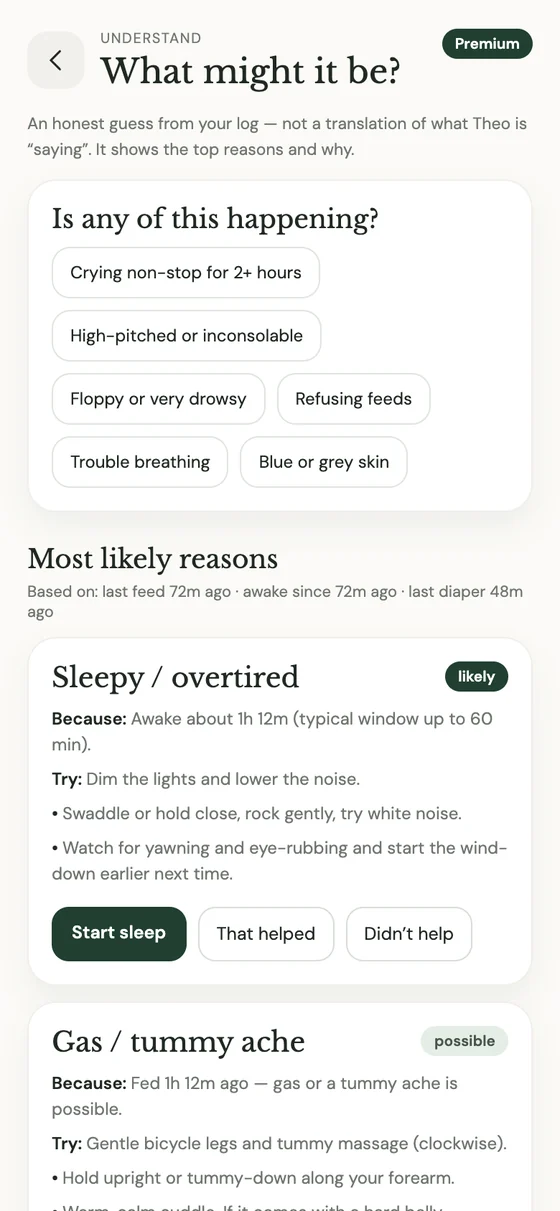
“Why the crying?” offers an honest guess — maybe sleepy, maybe gas — with things to try. Never a diagnosis.
The doctor’s visit
Your questions are saved before you walk in. Notes, vaccinations and the next appointment, all in one place.
Winding down
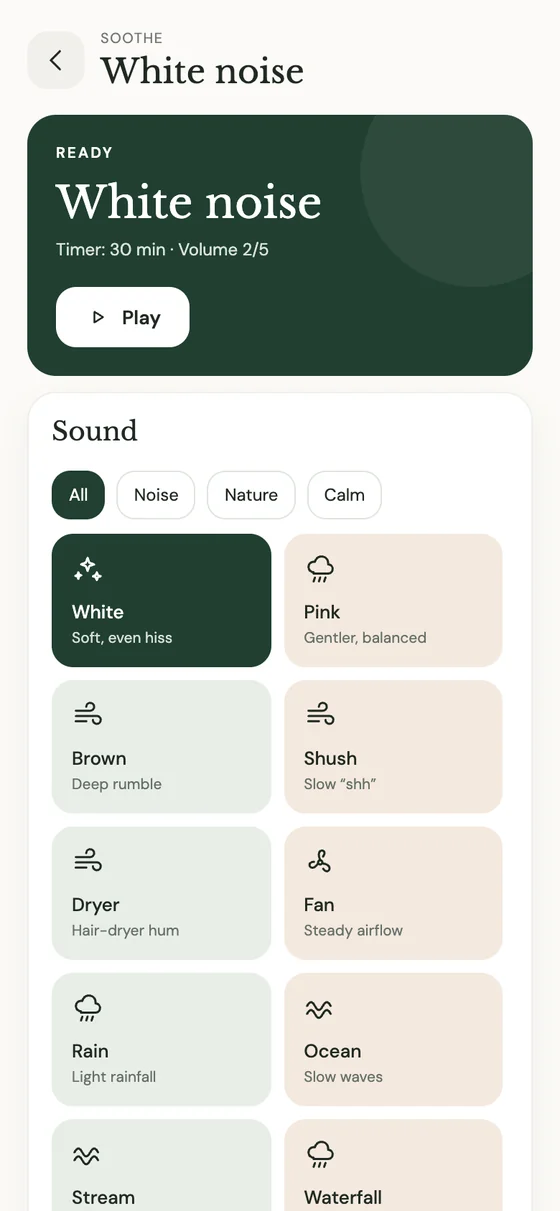
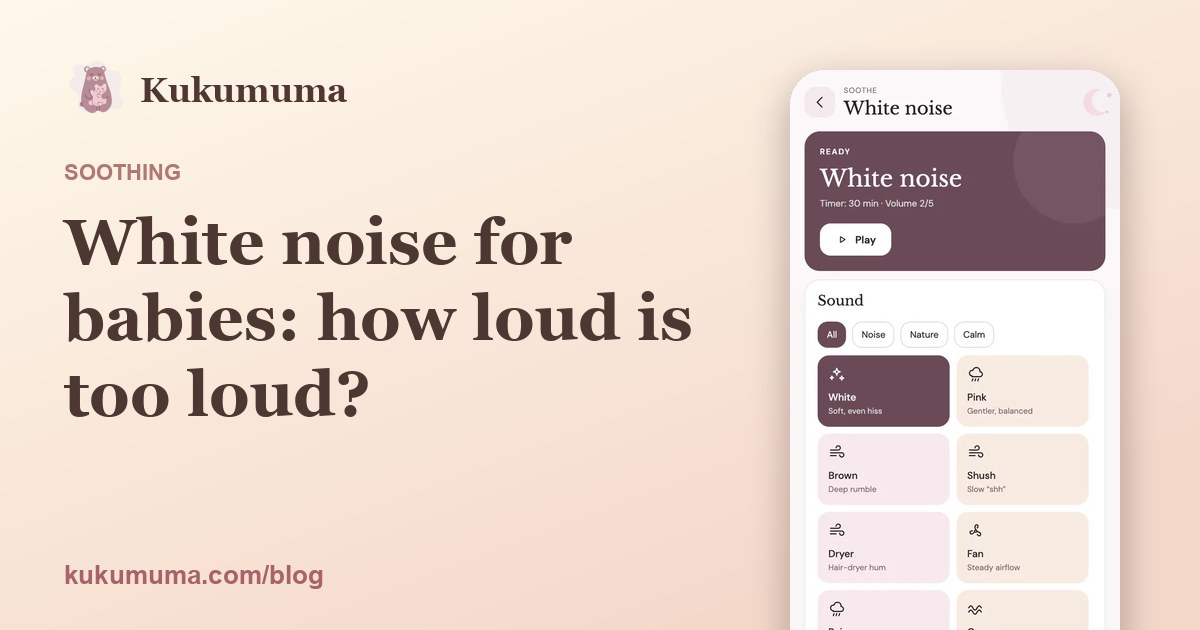
A loop of white noise or rain, with a timer. Volume steps are kept small for tiny ears.
A softer rhythm appears
At the end of the week, a short summary of the moments you chose to record. You did all of that.
Tools for the hard moments.
When the night is long and the crying won’t stop, Kukumuma helps you settle baby, understand what might be wrong, and hear them from another room.
- White noiseWhite, pink, brown, rain, ocean and more — loops with a sleep timer and small volume steps.
- Lullabies in your voiceRecord or import lullabies, humming and stories, and play them on a sleep timer. They stay on your phone unless you choose to share one with the other parents in your family — encrypted before it leaves your phone.
- Why the crying?Likely reasons based on your own log — an honest guess, not a translation — with things to try.
- Cry monitorAn alert from another room. It listens only while it’s on and never uploads the sound (live view sound is separate, off by default, and never stored); a short summary of each cry is kept in your log. Beta, and not a safety monitor.
- Nursery photos and live viewPut a spare phone by the cot and look in from anywhere in the house, or further. Opt in, on both phones: photos are encrypted and deleted after the time you choose, and live video goes straight between phones. We never record or store it, and the camera phone always shows who is watching. A look-in aid, not a safety monitor.
- Emergency cardAllergies, blood group and contacts, ready when you need them most.
The whole family, in sync.
Partner and caregivers see the same day on their own phones, within a moment. At 4 a.m. the one taking over already knows when baby last ate.
- One shared daySign in with Google or email; your days are backed up privately and shared only with people you invite.
- Night planThe next likely feed and what to do for the hours ahead, with who is covering which night.
- A button for helpRings everyone’s phone when you need another pair of hands.
- Lists and visitsDoctors, vaccines, questions for the visit and shared lists, in the Family tab.
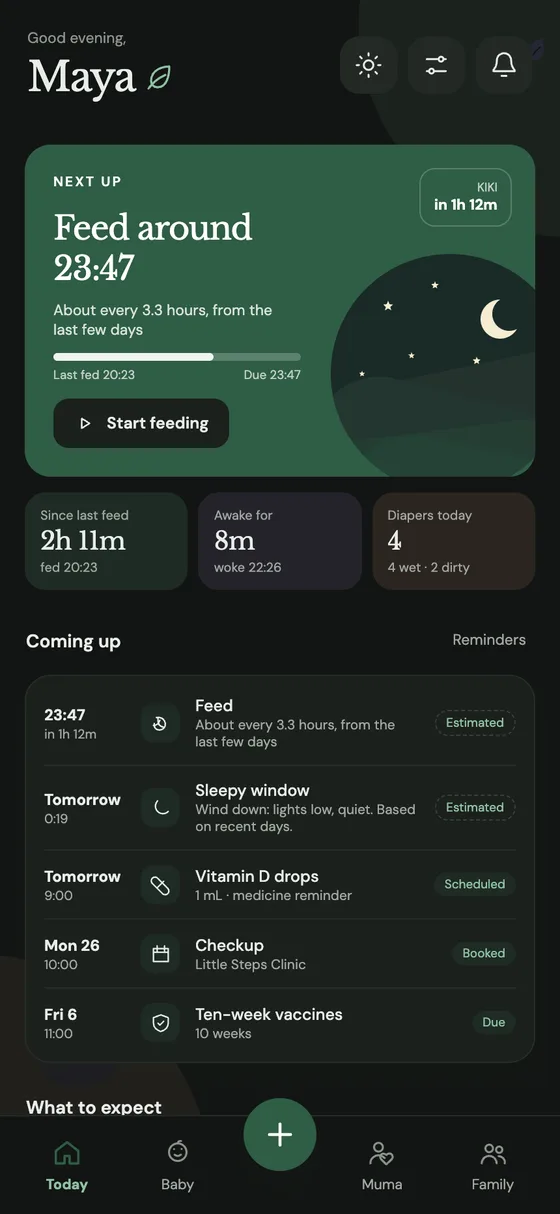
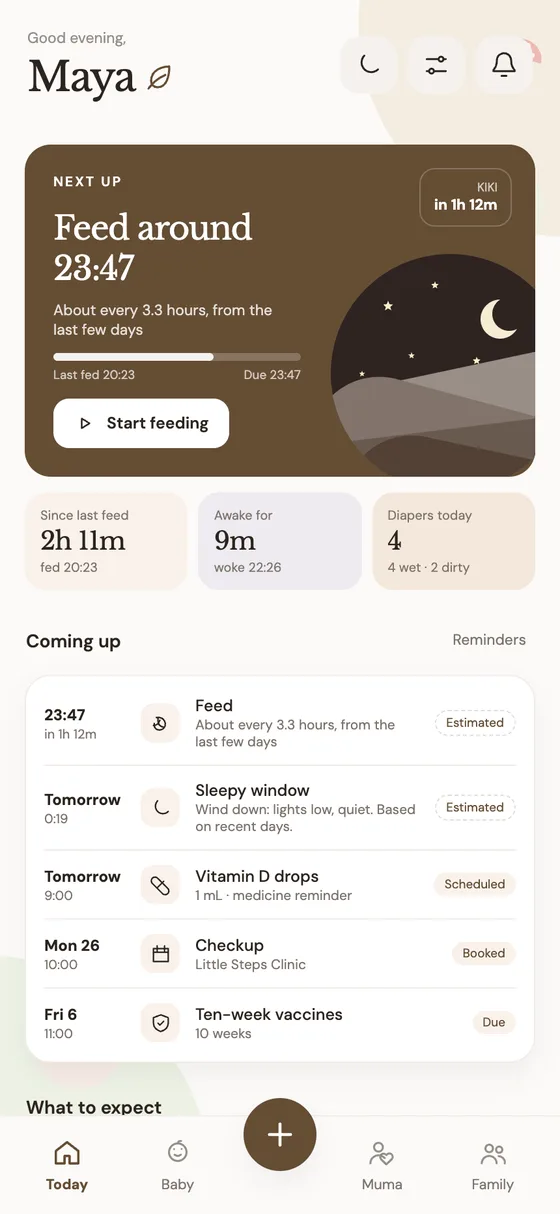
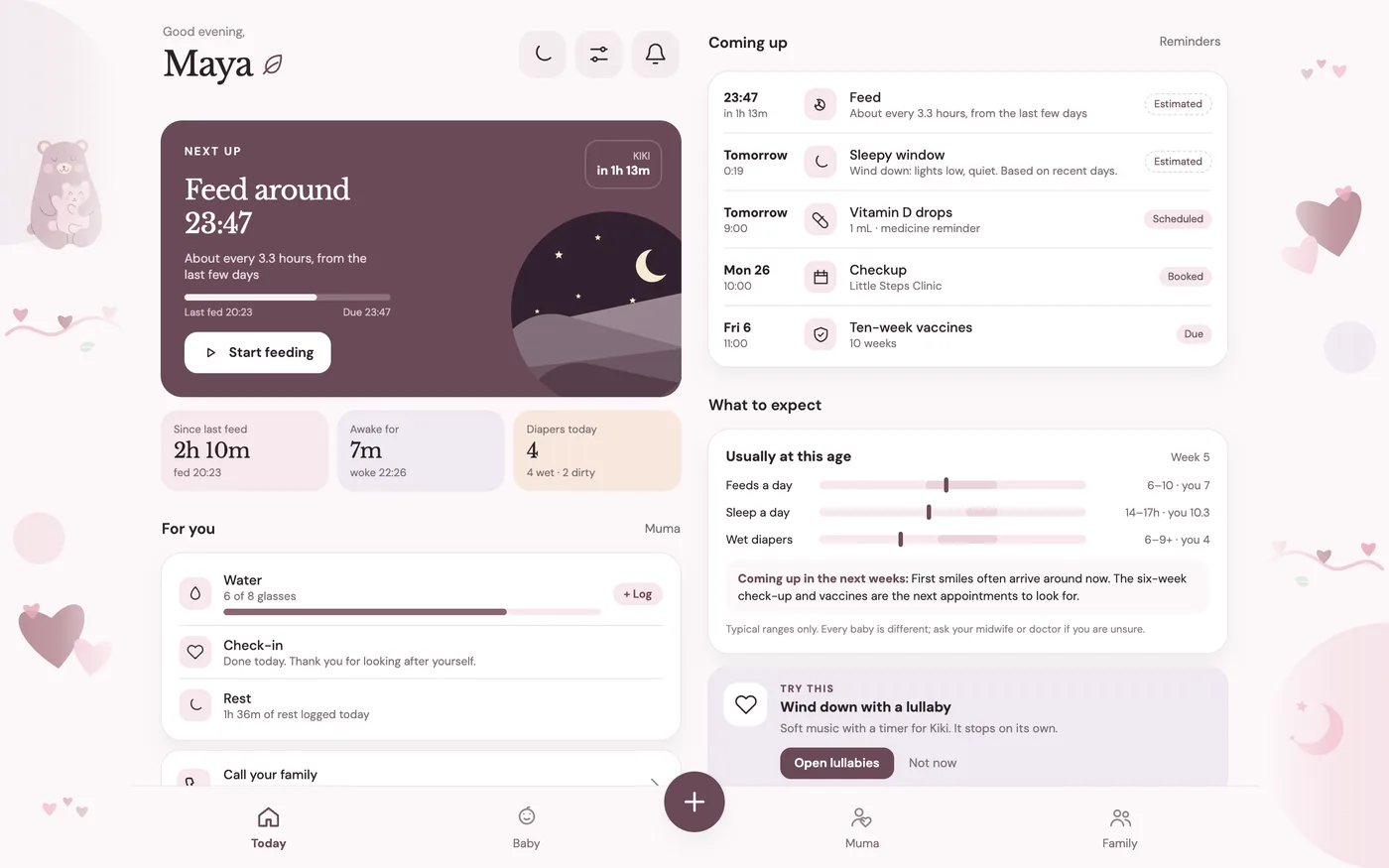
Your Kukumuma, your colours.
Pick a backdrop and a colour that suits your home, in light or dark. It looks the same on a phone and fills a tablet properly, with two columns and room to breathe.
Go deeper
What’s normal, what to try, and how Kukumuma fits in.
Start with one tiny moment.
Download Kukumuma for Android and take the first gentle step. Your baby’s first year is waiting to be remembered.Kukumuma isn’t on iPhone yet. Leave your email and we’ll tell you the moment it is. Your baby’s first year is worth remembering.
A friend invited you. Enter the code when you create your account in the app.
- Open Kukumuma on Google Play on your Android phone.
- Tap Install. Play keeps it up to date for you.
- Open Kukumuma and create your account. Enter code when asked to get your free months.